 Chocolatey
Releases6
Frequency8 months 1 week
Last Release
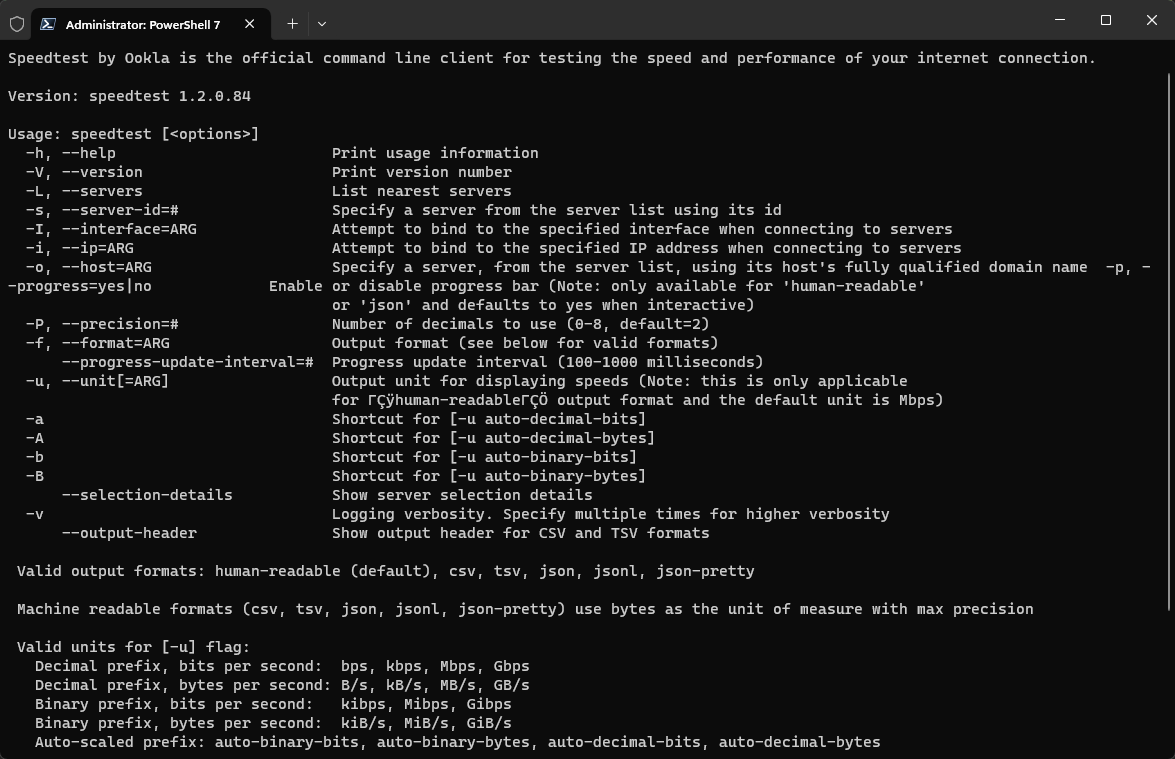
Speedtest CLI by Ookla® brings trusted technology and a global server network to your command line, offering a robust way to measure internet connection performance metrics. Ideal for developers, system administrators, and computer enthusiasts, this package allows you to run tests without the need for a web browser.
## Key Features
- Measure download, upload, latency, and packet loss.
- Test on various platforms including Linux desktops and Raspberry Pi.
- Automate performance data collection with scripts.
- Output results in CSV, JSONL, or JSON formats.
## Package Parameters
Command-line options for installer configuration:
- `/InstallDir:PATH` Specify the installation directory.
- `/StartMenuShortcut` Create a Start Menu shortcut.
## Examples
- Install with a Start Menu shortcut:
`choco install speedtest --params "/StartMenuShortcut"`
- Install in a custom directory:
`choco install speedtest --params "/InstallDir:C:\speedtest"`
## Default Parameters
By default, the package:
- Installs in the Chocolatey tools directory.
- Does not create a Start Menu shortcut.
Collections containing this project
Showing collections based on your access.
This project is not in any collections you can view.